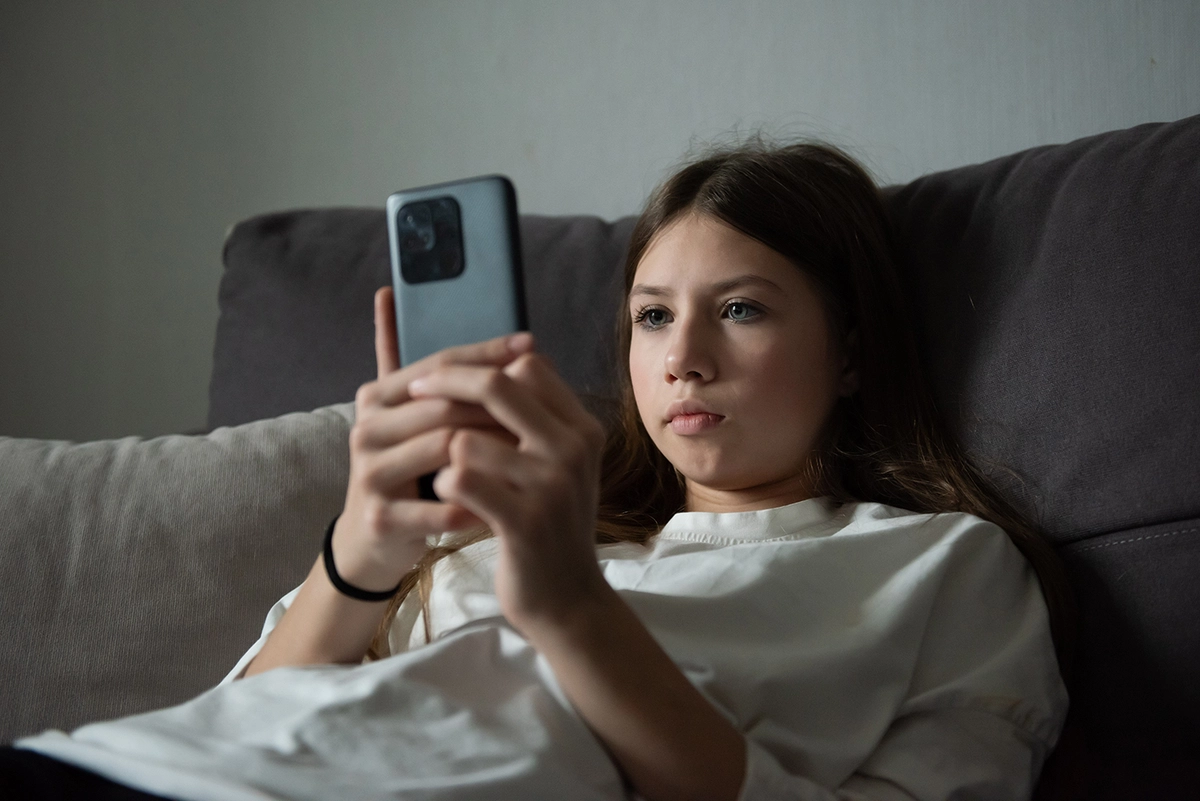
People often replace their smartphones after using them for a while, even if they are not too old. The common practice for handling old smartphones is to sell them second-hand. If they cannot be sold, they are usually disposed of or kept as a memento. However, tech-savvy individuals suggest that old smartphones and tablets can be repurposed as home monitors to ensure household safety.
According to American tech writer and host of Bloomberg Television’s “Tech Impact” program, Marc Saltzman, old smartphones can be used as monitors to keep an eye on babies, pets, or even to monitor packages by placing them on a windowsill.
Saltzman mentions in Reader’s Digest that old devices like smartphones and iPads can be given a new life through apps. By downloading the same app on both your old device and your current one, you can turn your old device into a “monitor” that allows you to view its feed from your daily device.
Setting up your old device as a monitor involves placing it in the desired location at home, connecting it to power, and ensuring it is connected to Wi-Fi.
Saltzman recommends trying out various “free” monitoring apps and highlights Alfred Camera as one of the best choices. This app offers a comprehensive range of features, including a free version supported by ads, and a premium version starting at $36 per year.
You can download the iPhone or Android version of Alfred Camera from the App Store or Google Play and install the app on both your old and daily devices.
After setting up a new account and logging in on both devices, you can select the “Camera” option from the app’s main menu on your old device placed for monitoring at home.
By designating your new device as a “Viewer” in the main menu, you can instantly see the feed captured by your old monitoring device. Additionally, you can set notifications for sound or motion detection on your old device.
If you need to connect multiple cameras, repeat the same steps on other old devices, assigning unique names to each camera.
For viewing camera feeds from a desktop computer, you can utilize the free online viewing tool called Alfred Camera WebViewer.
Saltzman cautions that the free version of Alfred Camera has some limitations. For instance, viewing the feed in real-time on your new device is possible, but access to stored footage on the old device is restricted. Nevertheless, the video quality is satisfactory for clear viewing.
Furthermore, the number of devices that can be connected simultaneously is limited. The free version allows for only two old devices designated as “Cameras” and one new device as a “Viewer.”
Iskander Sanchez-Rola, Senior Manager of AI and Innovation at the renowned security software provider Norton, emphasizes the importance of addressing privacy and security concerns when using monitoring apps, especially with old devices.
Before repurposing old smartphones or tablets, it is essential to ensure they have received necessary security updates as older devices may be susceptible to security vulnerabilities.
Sanchez-Rola warns that old devices may still contain sensitive data that owners have forgotten about, posing a risk if the device has been compromised in the past.
In addition, “free” apps often generate revenue through advertisements or data sharing practices, raising potential privacy concerns. While developers may disclose privacy policies, the actions and data usage by these apps are not independently verified.
Apart from serving as monitors, old smartphones like iPhones have other potential uses, such as functioning as dash cams by downloading suitable software. However, dash cams require continuous recording and can be affected by overheating in models with limited memory capacity or prone to heating issues.